
How to Install and Setup King IPTV on Amazon Firestick (2026 Guide)
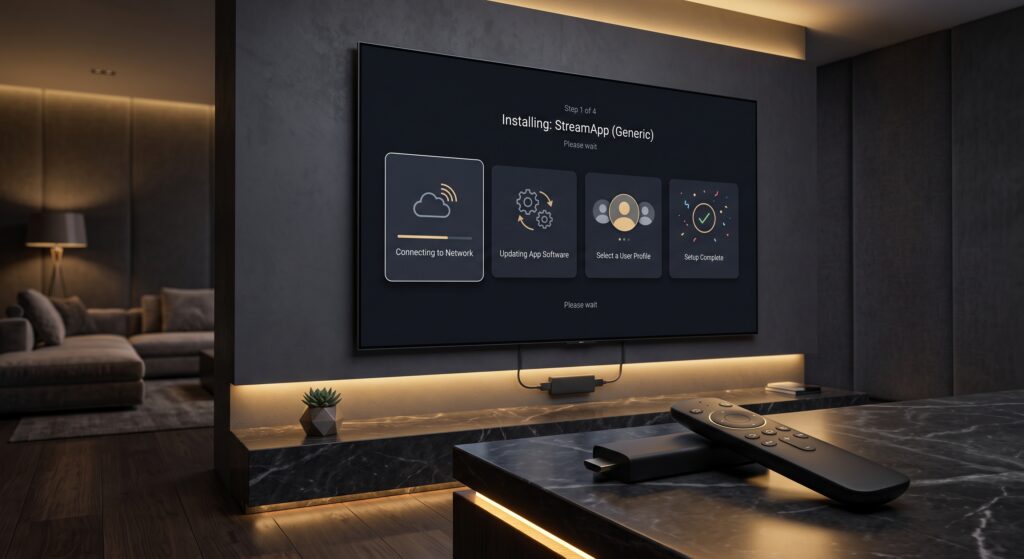
Expensive UK TV packages, extra device fees, and unreliable apps have made many cord-cutters look for a more flexible way to watch live content. King IPTV offers an affordable route to 4K live sports and VODs on compatible devices, but your final experience depends on using authorized content, a stable internet connection, and a properly configured player. This Firestick IPTV setup guide walks through installing a player, entering your account details, and checking the settings that most often cause problems. It applies to Android-based Fire TV devices; Amazon’s newer Vega OS devices do not support Android APK sideloading in the same way. Step 1: Get the Downloader App Downloader is the standard utility for installing apps that are not available directly through the Amazon Appstore. You should always obtain the player APK from its official developer site or another authorized source—never from random shortened links or unverified file-hosting pages. Downloader itself is available in the Amazon Appstore. It acts as a browser and installer, allowing you to enter an official APK URL rather than relying on a phone-to-TV transfer. Step 2: Enable Apps from Unknown Sources Before Downloader can install an APK, Fire OS requires permission to install apps from outside the Amazon Appstore. On newer Fire OS versions, the setting is typically called Install Unknown Apps; older versions may call it Apps from Unknown Sources. Enable Developer Options If you cannot see Developer Options: Allow Downloader to Install Apps On older versions, simply turn Apps from Unknown Sources on. Turn this permission off again after installation if you do not expect to sideload more apps; it reduces the risk of installing unwanted software. Step 3: Install Your IPTV Player For Firestick users, two strong player choices are TiviMate and IBO Player. Neither player supplies channels itself; each loads the authorized playlist or credentials you receive from your streaming provider. TiviMate is designed around playlist management, while IBO Player supports M3U and M3U8 playlists through its player and portal workflow. Option A: TiviMate Setup TiviMate is ideal if you want a cable-style guide, favorites, categories, and strong playlist management. To install it safely: Avoid old codes copied from social media posts. TiviMate’s official code and package address can change, so verify them on the official site first. Option B: IBO Player Setup IBO Player is a good option if you prefer a portal-based workflow. Its official support instructions state that it supports M3U/M3U8 playlists and can be installed through Downloader when the app is not already available on your device. After installation: Step 4: Connect the Subscription with Xtream Codes API The simplest method for most providers is Xtream Codes API. Your welcome email should contain three important details: Do not add extra spaces. Firestick keyboards can make it easy to mistype a character, so enter every field carefully. TiviMate Setup with Xtream Codes API Xtream Codes API is often easier than a long M3U link because the app can import live TV, premium VOD library categories, and guide data in a more structured format. If You Received an M3U Link Instead Choose M3U Playlist rather than Xtream Codes, paste the complete URL, and wait for TiviMate to parse it. This can take between 30 and 120 seconds depending on the size of the playlist. Once your playlist is loaded, add favorite live channels and check the EPG. If the guide is missing, use TiviMate’s playlist and EPG settings to refresh the source; some providers also supply a separate XMLTV EPG URL. Why Choose Us A premium streaming service should be measured by how it performs during the hours that matter, especially during busy live sports events. Cheap providers can overload their servers, resulting in buffering, long channel changes, and inconsistent picture quality. King IPTV is designed around the features UK viewers need: For the best results, use Ethernet through a compatible adapter where possible. If Wi-Fi is your only option, connect to 5GHz Wi-Fi, keep the Firestick close to the router, and pause large downloads while streaming. Common Firestick Fixes If the player will not load or playback buffers: Final Words: Test Before Committing A properly configured Firestick can be an excellent, low-cost streaming device. Once you have Downloader, a trusted player, and correctly entered Xtream Codes API details, the entire setup should take only a few minutes. Before taking a long subscription, claim a 24-hour free trial and test your preferred live global channels, sports events, and premium VOD library during the times you genuinely watch. Use King IPTV as part of a legal, authorized streaming setup, then judge the quality on your own Firestick, broadband connection, and home network.